
Service Portal

One workspace for your service business.

List your services, collect job requirements, agree on contracts and get paid. Keep every client relationship connected from the first inquiry through the next project.

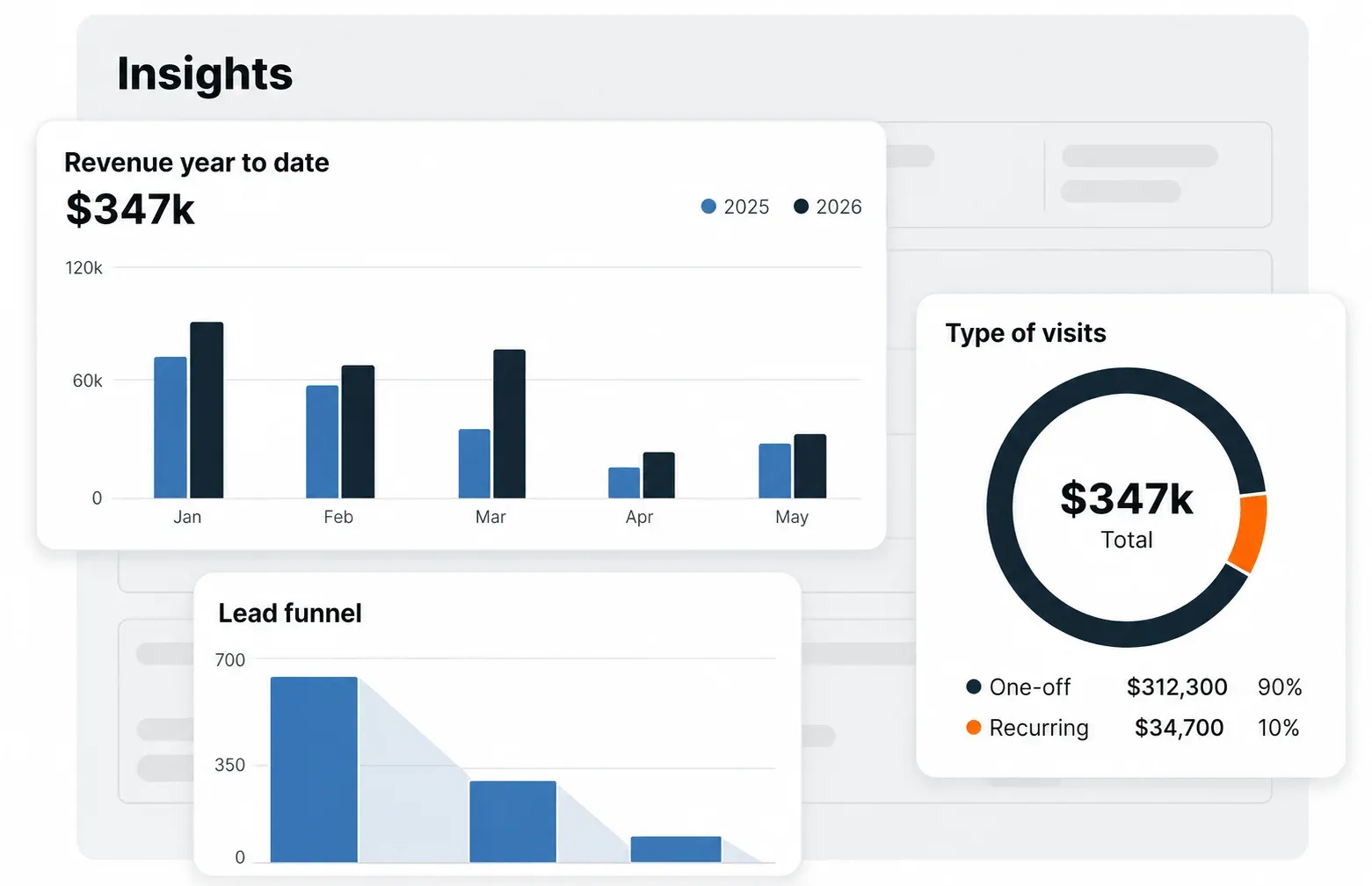
Service Portal product illustration with sample data

Illustrative product view · sample

Everything a service job needs, in one place.

Built for solar contractors, roofers, electricians and adjacent service providers.

List services and collect requirements

Group your services by category and set your own rates. Collect the information you need before preparing a quote.

  • Flexible base rates, regional pricing and control over every quote.
  • Reusable requirement blocks for square footage, utility bills, site photos and panel preferences.
  • A Verified Pro badge after your ID is checked, so buyers know who is arriving.

Keep your client relationships private

Every message, document and price change stays in one buyer thread. Keep inquiries, quotes, contracts and job history together, including repeat projects.

How the private workspace works

Illustrative example · sample

Buyer and provider
The service contract is a direct agreement between you and your buyer.
Private by default
Inquiries, quotes and contracts are not published. You own the relationship with your client.
Sunhub
Provides the industry network and payment infrastructure without inserting itself between you and your customer.

Build contracts from reusable clauses

Create a clause library once, then tune terms for each buyer. An accepted quote supplies the scope of work and becomes a signature-ready contract.

  • Industry presets for solar, roofing and electrical services.
  • Payment milestones and net terms, dispute resolution and termination clauses.
Explore a clause library

Illustrative example · sample

Four included clauses and four optional clauses

Scope of work
Included
Payment milestones
Included
Dispute resolution
Included
Termination terms
Included
Warranty and recourse
Optional
Permitting responsibility
Optional
Change order policy
Optional
Force majeure
Optional

Offers reach buyers. Quotes define the job.

Use an offer for a promotion. Use a quote to agree on the work and price with an individual buyer.

Offer

A general service promotion for matched buyers in your area, with no buyer commitment required.

  • Price any service the way you choose.
  • Run seasonal, time-bound or open-ended deals.
  • Broadcast availability to your audience.

Quote

A binding, itemized price for a specific buyer. Discuss the details before acceptance turns it into a contract.

  • Tailor line items to the buyer’s requirements.
  • Keep negotiation in the attached thread.
  • Generate the contract when the buyer accepts.

One shared record, from inquiry to payment.

  1. Open the inquiry

    A buyer starts a private thread from your listing. Choose a requirements template for the job.

  2. Collect the details

    The buyer completes the template and uploads site photos, utility bills and roof specifications to the same thread.

  3. Quote and agree

    Send itemized pricing, discuss changes, and agree on terms. An accepted quote generates the binding contract.

  4. Complete the milestones

    Keep the signed document, job history and payment record together. Payouts follow the agreed deposit, progress and completion milestones.

Open a sample client thread and timeline

Illustrative example · sample

Client thread · Phoenix, AZ

Buyer inquiry
Looking for an 8 kW system on a tile roof.
Provider response
Site assessment block sent. Complete the form and upload photos.
Buyer upload
site-photos.zip · 4 files
Provider quote
$12,400 · 6 weeks. Accept to generate the contract.
Contract
Signed and stored on the thread.

Shared deal timeline

March 4 · Inquiry
Buyer reaches out.
March 6 · Requirements
Specifications and documents uploaded.
March 8 · Quote
Pricing sent.
March 11 · Negotiation
Terms aligned.
Contract
Signed by both parties.
Payment
Cleared and released.

Set your coverage. Get support for the job.

Define where you work by state, city, ZIP code with a radius, or region. Sunhub routes jobs that fit your coverage and capacity.

Explore service territory options

Illustrative example · sample

Try the coverage modes below. The locations and radius examples illustrate how a service territory can be defined.

Service by

State

Service by

City

Service by

ZIP

Service by

Territory

Territory

National
North
East
West

West region

11 states filled in Azure. Hover a state for a Blaze preview.

Best for national service brands routing crews across regions.

ALAZARCACOFLGAIDILINIAKSKYLAMEMIMNMSMOMTNENVNMNYNCNDOHOKORPASCSDTNTXUTVAWAWVWIWYCTDEMDMANHNJRIVT
In territoryHover previewOut of area
Support for your service business
Dedicated account manager
One expert who knows your business inside out.
Hardware on site, on time
Panels and inverters staged before crews arrive.
Same-day swaps
Faulty gear replaced before the job timeline slips.
Human support
Portal and phone support, 8am to 8pm, six days a week.

Free to join, with room for your whole crew.

No subscription, per-seat fee or setup cost. List your services and accept jobs without a monthly fee or long-term contract.

  • Unlimited users and service listings.
  • Requirement blocks, quotes, contracts and integrated chat.
  • Milestone-based payments and net terms.
  • Logistics coordination for product-tied jobs.

Processing fees and added services are excluded. Payment schedules can include a deposit at signing, a progress payment at installation and a final payment at power-on, paid directly to your account.

How this differs from a per-seat portal

The per-seat model charges for each user every month, whether or not a job closes. Costs rise with the crew, and marketplace distribution, payments and logistics may sit outside that workspace.

Sunhub Service Portal brings these capabilities together without a recurring per-user charge.

Get started

Questions about Service Portal

What is the Sunhub Service Portal?

The all-in-one platform for solar contractors, roofers, electricians and adjacent service providers. List your services, get matched to verified jobs, collect requirements from buyers, and send binding contracts in one place.

How does the requirements process work?

Before you ever quote, the portal collects what you need from the buyer, square footage, utility bill, site photos, panel preferences. You show up already informed.

Can I set my own pricing?

Yes. Pricing is fully flexible. Set base rates per service, adjust per region, and control every quote.

How do I define my service area?

Pick states, cities, ZIP codes with a radius, or set a regional territory. Sunhub only routes jobs that fit your coverage and capacity.

How is the contract generated?

Build modular clauses once in your library. The portal assembles them into a binding, signature-ready contract per job, and you can tune the terms per buyer when you need to.

What is the difference between an Offer and a Quote?

An Offer is a broadcast promo, priced how you like it, sent to matched buyers in your area. A Quote is the binding, itemized version for a specific buyer that becomes the contract once accepted.

What does the portal cost?

Free to join, list services and accept jobs. No monthly fee, no long-term contracts. Excluding processing fees or added services.

How do payment schedules work?

The portal supports milestone-based payouts, deposit on signing, progress payment at install, final payment at power-on, cleared directly to your account.

Explore related tools

Bring your service business together.

Talk through your services, coverage and job workflow with the Sunhub team.

Request a demo